Showing posts with label PostgreSQL. Show all posts

Friday, January 6, 2017

posgresql select case

Just to help if anyone stumble on this question like me, if you want to use if in PostgreSQL, you use "CASE"
select 
    case
        when stage = 1 then 'running'
        when stage = 2 then 'done'
        when stage = 3 then 'stopped'
    else 
        'not running'
    end as run_status from processes
Saturday, October 1, 2016

fine postgres column information

select column_name, data_type, character_maximum_length
from INFORMATION_SCHEMA.COLUMNS where table_name = 'vw_othercreativework';

Friday, April 29, 2016

postgres 57014

"ERROR: 57014: canceling statement due to statement timeout

Navicat, dotConnect for PostgreSQL


https://www.navicat.com/download/navicat-for-postgresql

https://www.devart.com/dotconnect/postgresql/download.html

https://www.devart.com/dotconnect/postgresql/download.html

PostGreSQL: getting started


http://www.enterprisedb.com/products-services-training/pgdownload#windows

http://www.postgresqltutorial.com/postgresql-sample-database/


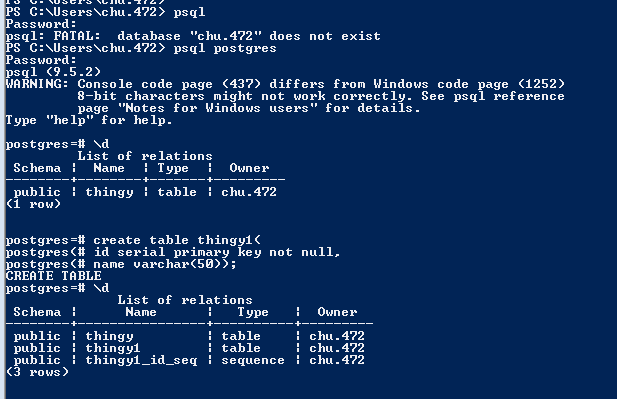
WARNING: Console code page (437) differs from Windows code page (1252)
         8-bit characters might not work correctly. See psql reference
         page "Notes for Windows users" for details.
Type "help" for help.

install add bin to path
psql.exe

\d

create table thingy(


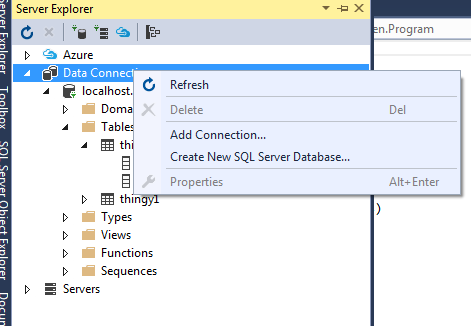
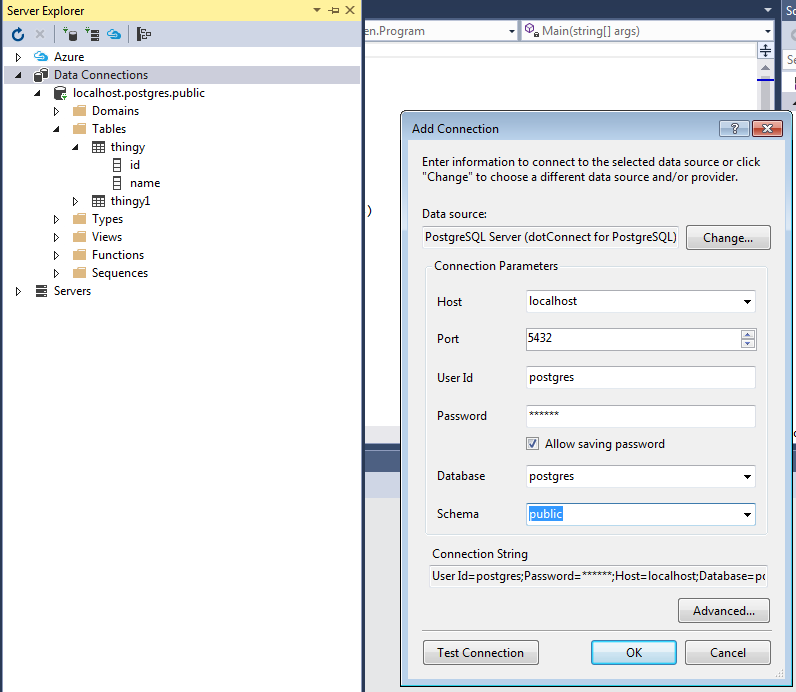
In Visual studio, click on view, server explorer


1. localhost is the server
2. postgres is the database name
3. public is the schema