Showing posts with label CSS3. Show all posts

Thursday, September 15, 2016

CSS relationship between each level


if want to change CSS to center text for table cell need to do in the <Td class=....>


<td class="cust-fa-center">
  <i ng-show="!ar.editing && selectedVisibility == 'Active'" ng-click="doneEditPOA(ar)" class="fa fa-eye cust-fa-size-green" aria-hidden="true"></i>
  <i ng-show="!ar.editing && selectedV

Thursday, August 25, 2016

css with . and space difference


https://css-tricks.com/multiple-class-id-selectors/

Can you spot the difference between these two selectors?
#header.callout {  }

#header .callout { }
They look nearly identical, but the top one has no space between "#header" and ".callout" while the bottom one does. This small difference makes a huge difference in what it does. To some of you, that top selector may seem like a mistake, but it's actually a quite useful selector. Let's see the difference, what that top selector means, and exploring more of that style selector.
Here is the "plain English" of "#header .callout":
Select all elements with the class name callout that are decendents of the element with an ID of header.
Here is the "plain English" of "#header.callout":
Select the element which has an ID of header and also a class name of callout.
Maybe this graphic will make that more clear:

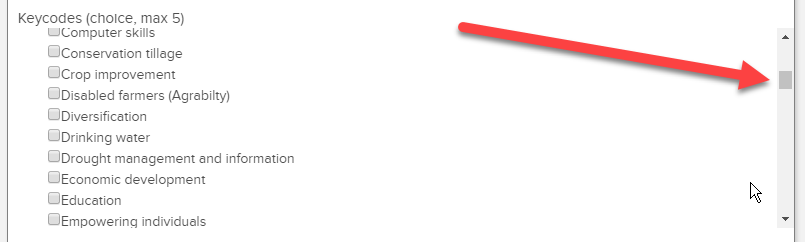
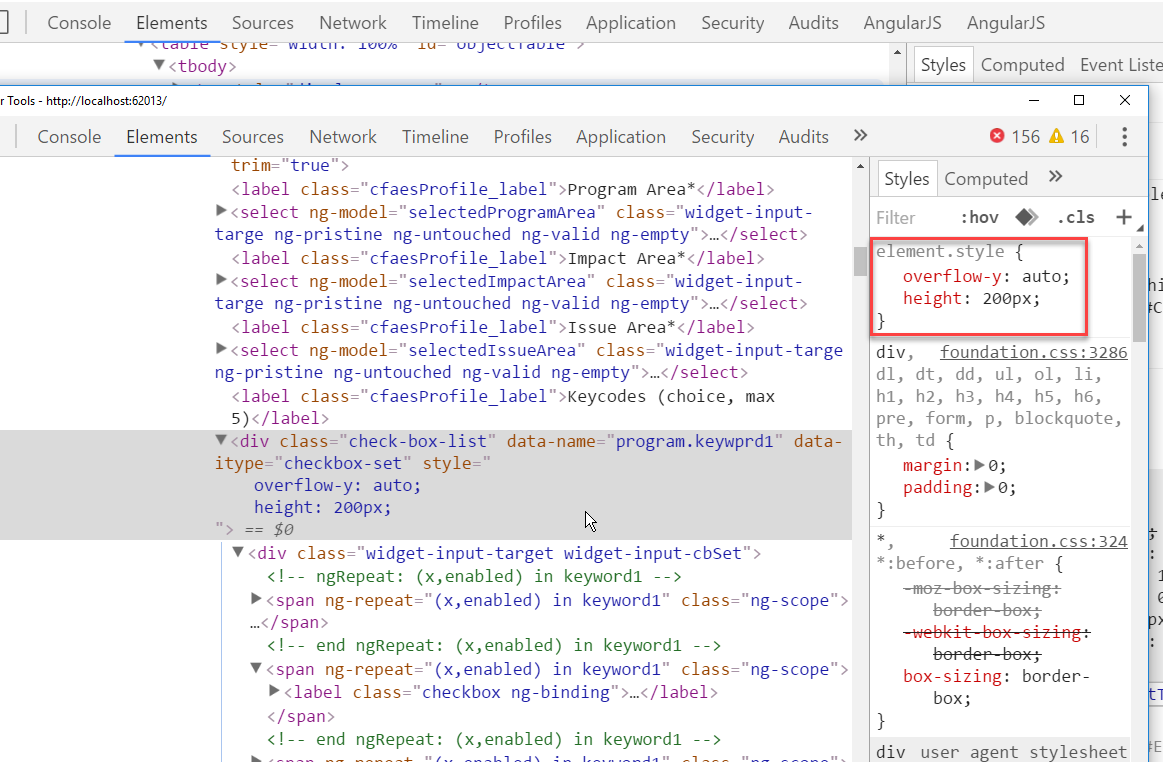
wrap list of check boxes in side a block CSS3 overflow


Wrap list of check boxes in side a block


Monday, February 15, 2016

box model

class in li make it active

html file

       <ul class="menu">
            <li class="active"><a href="#">home</a></li>
            <li><a href="#">about</a></li>
            <li><a href="#">contact</a></li>
        </ul>

css file below: you need . after li

.menu li.active {
    font-weight:bold;
}